

How to Purchase SMS Credit/Buy Unit
Estimated reading time: 1 min
The buy unit option is useful, especially when you want to buy a specific amount of SMS Credit for sending Bulk SMS.
This guide provides a comprehensive solution for purchasing SMS credit using the buy unit option on G Online Sites.
Here is how:
- Sign into your G Online SMS account.
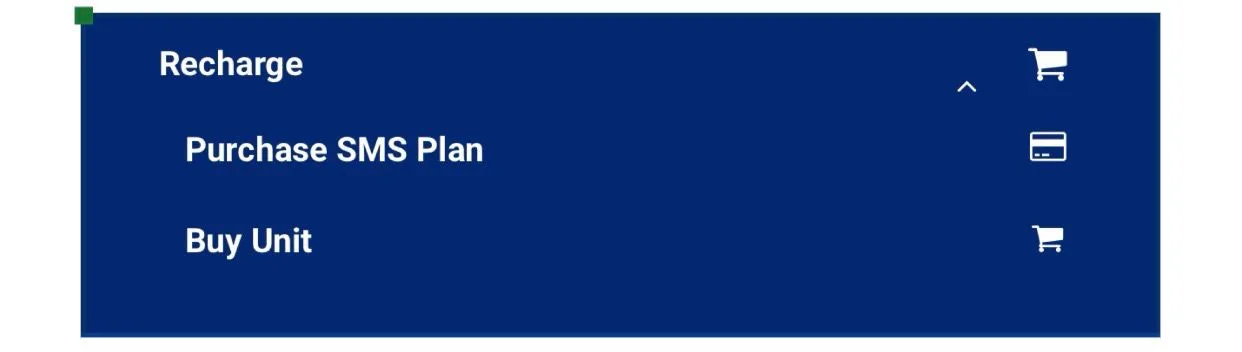
- In the “menu” section, select the Recharge option.


- From the “Recharge” options, select “buy unit” sub-menu.
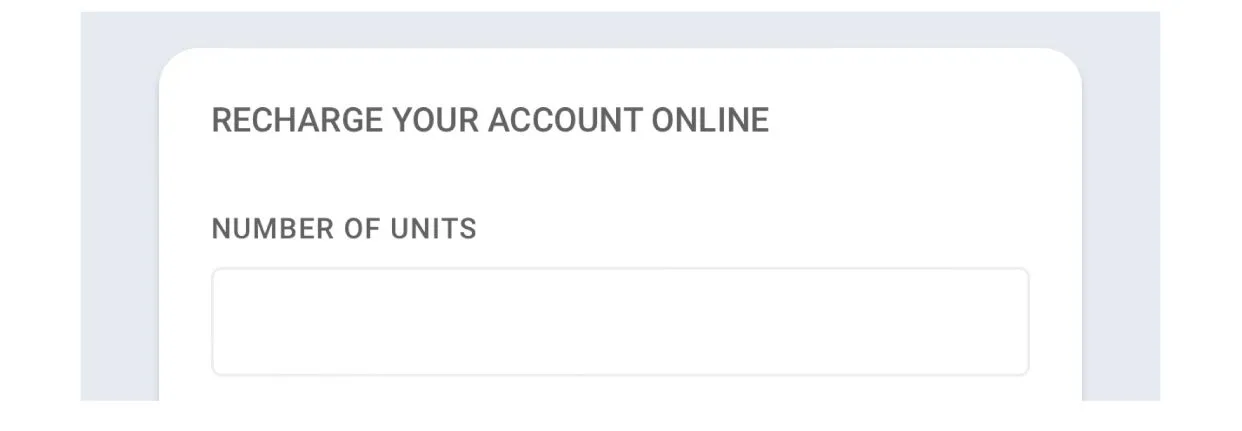
- Input the “Number of Units” you want to buy. (1 Unit equals 1 page SMS[160characters])
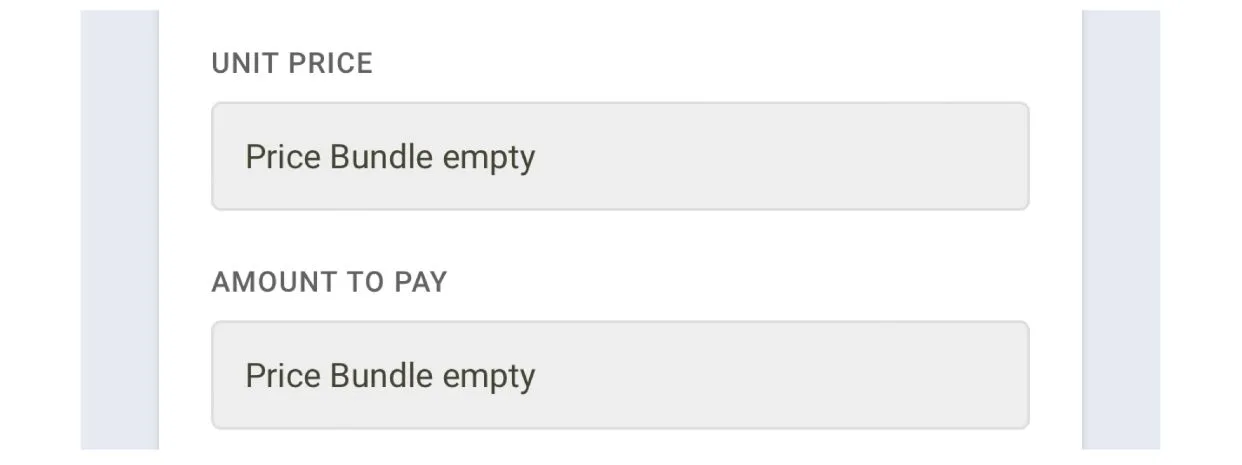
- “Unit Price” and “Amount To Pay” will automatically appear in the text box.
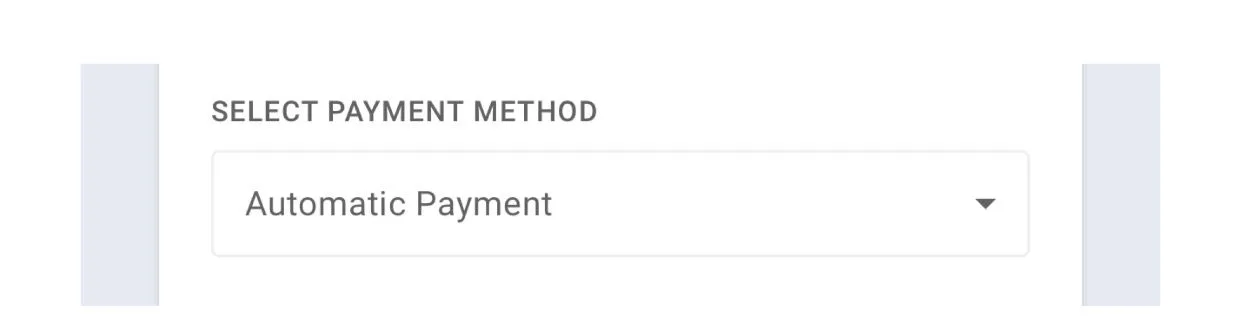
- Select payment method “Automatic Payment” in order to process your SMS credit automatically.
- Verify the “Transaction Fee” and the “Total” Amount to pay
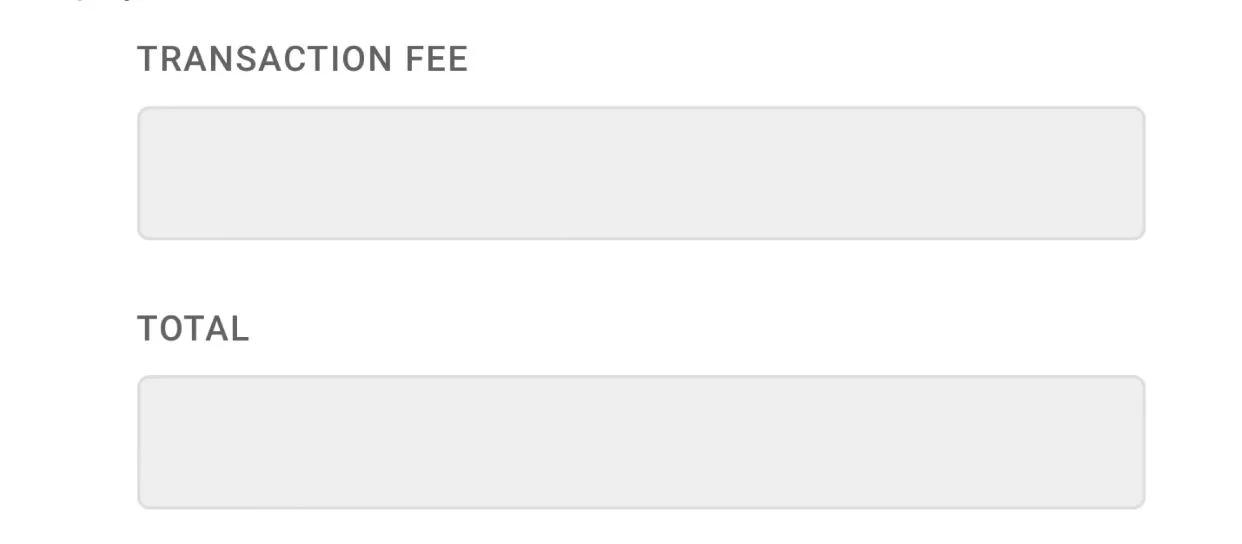
- Finally, click on the “Purchase Button” to purchase your SMS units.

- Now, You have successfully purchased your SMS units.
