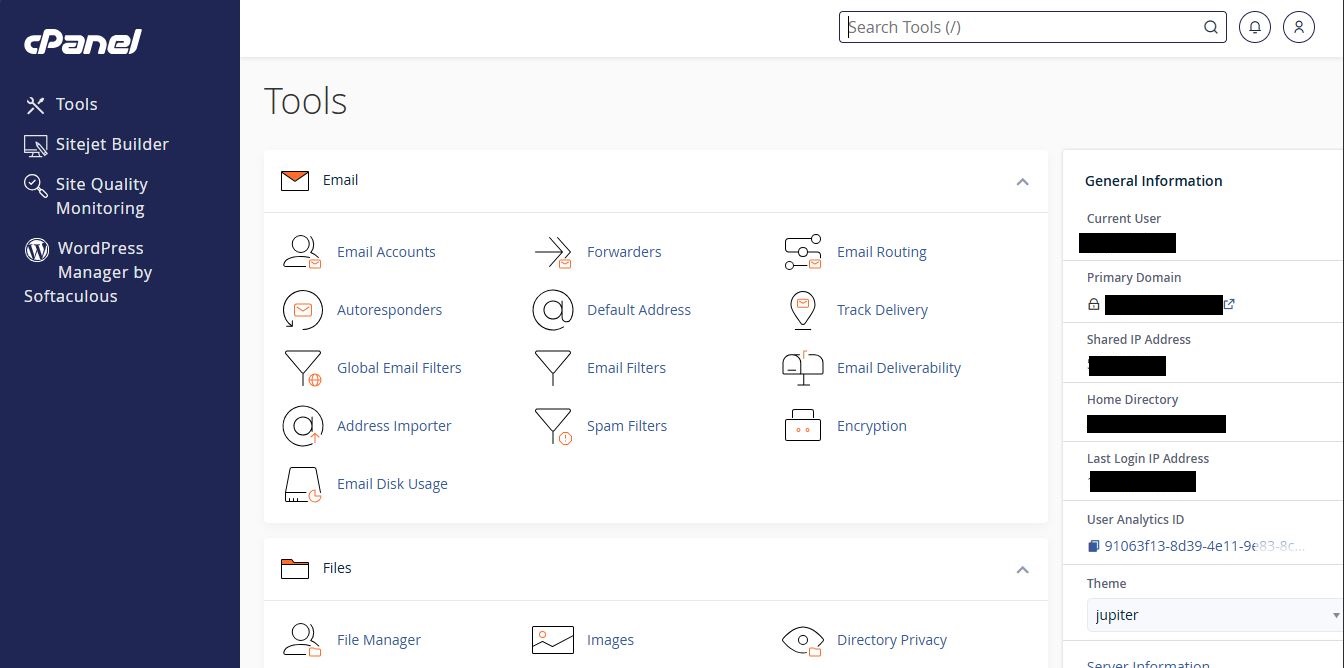
How to Log Into cPanel From Client Area
Estimated reading time: < 1 min
1. Open G Online Sites’s website (https://www.gonlinesites.com)
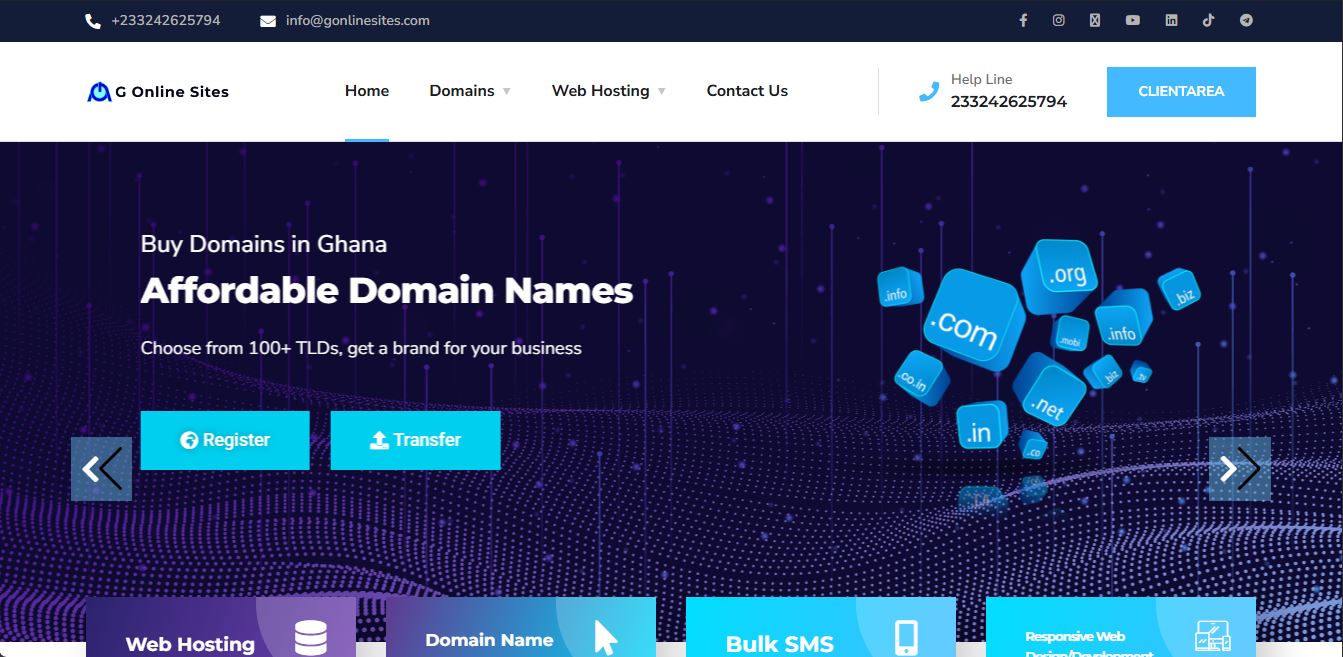
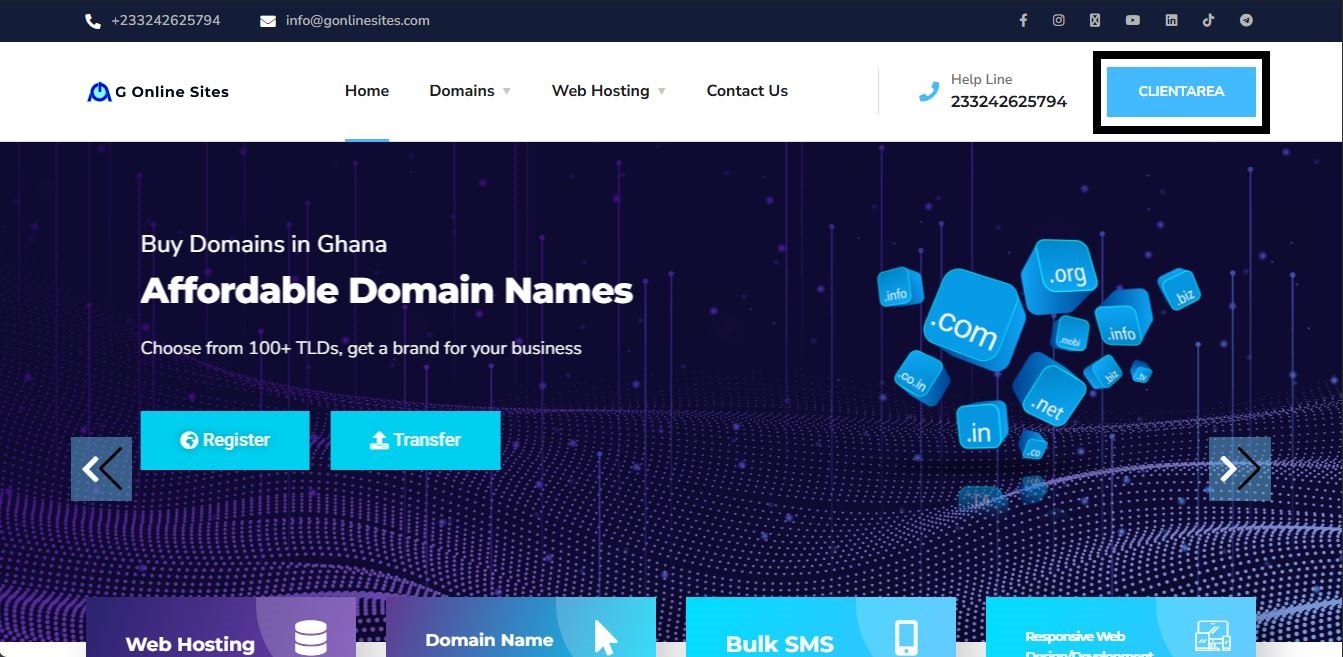
2. Click on the CLIENT AREA button in the top right corner.
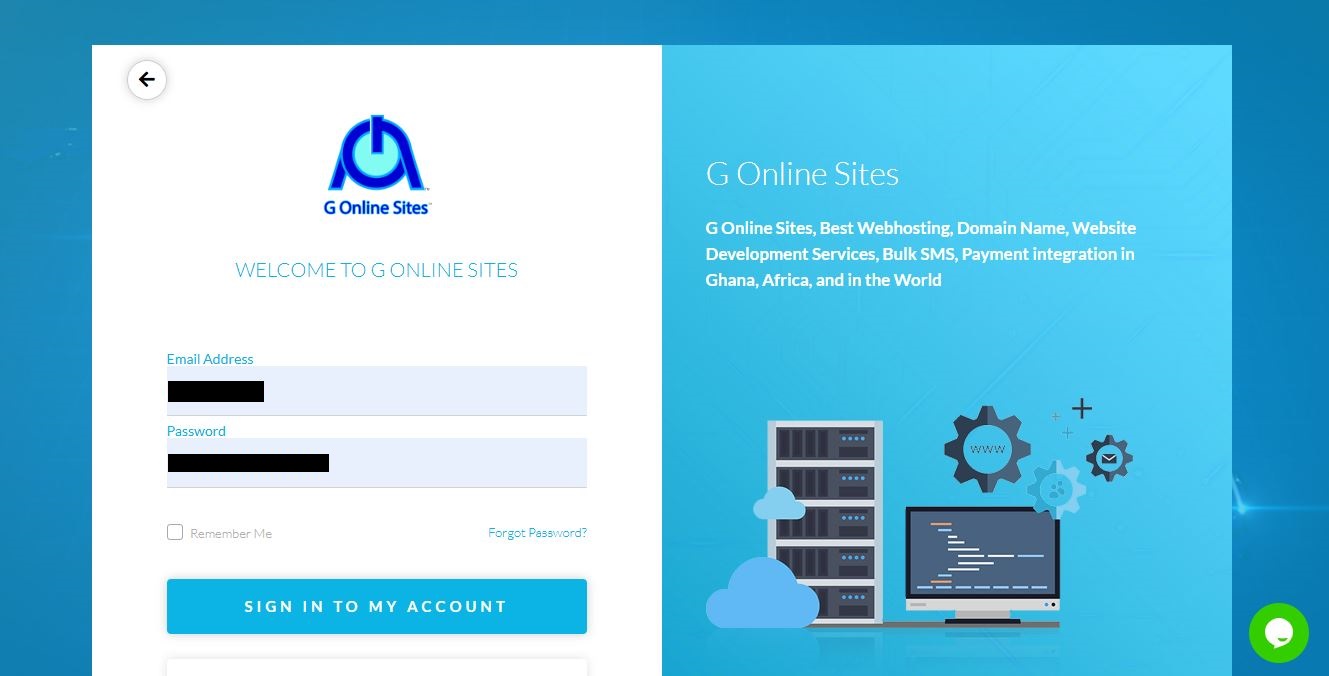
3. Fill in your login credentials and click on SIGN IN TO MY ACCOUNT to log in
4. Click on Active Hosting

5. Click on the CP icon to log into cPanel

6. The dashboard of your cPanel account will open in the new window.