How To Place Order for Domain Only
Sometimes, you may prefer to buy a domain only and connect to another hosting provider or connect with Blogger, Wix, or other similar platforms. At other times, you may want to purchase a domain only to secure it and then purchase hosting later.
Below are steps on how to place an order and purchase a Domain name only.
1.Visit G Online Sites on any web browser and click the Domain Name Registration card or under the domains menu. (Or visit ClientArea directly).

2.Select Register New Domain/Transfer your domain from another registrar (where applicable).

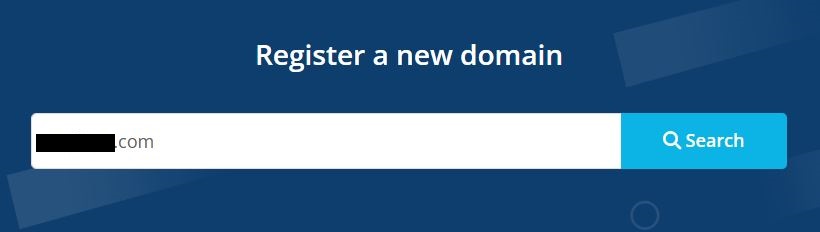
3.In the domain input, enter a preferred domain name to be registered and click the search button to check availability.
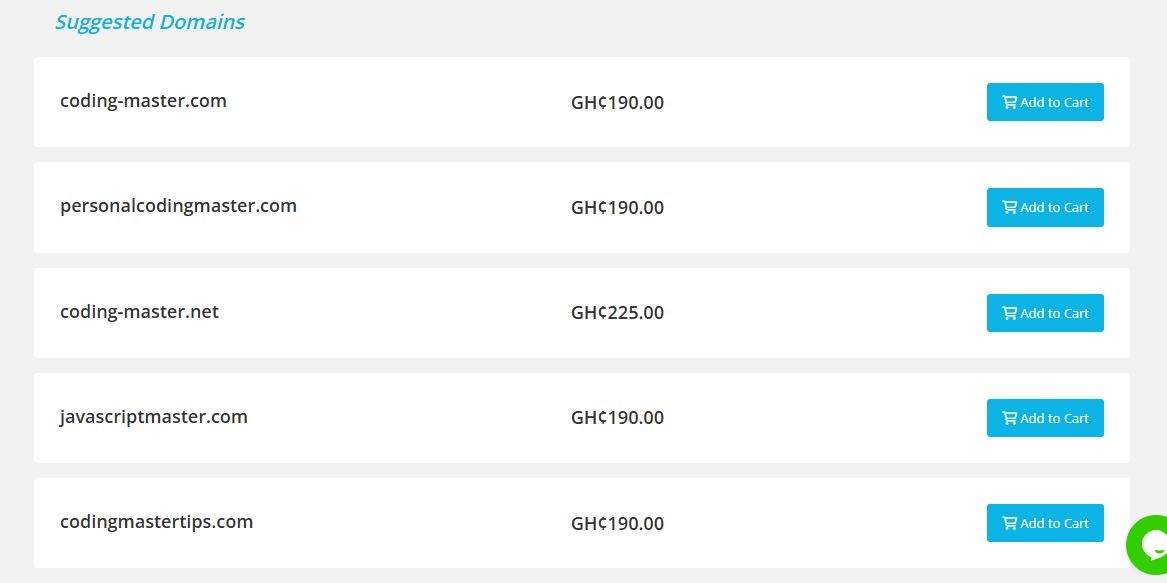
4.If your preferred name is not available, you could select from other suggestions or enter another available domain name. Select the Add to Cart button.
5.Click on the Checkout button.

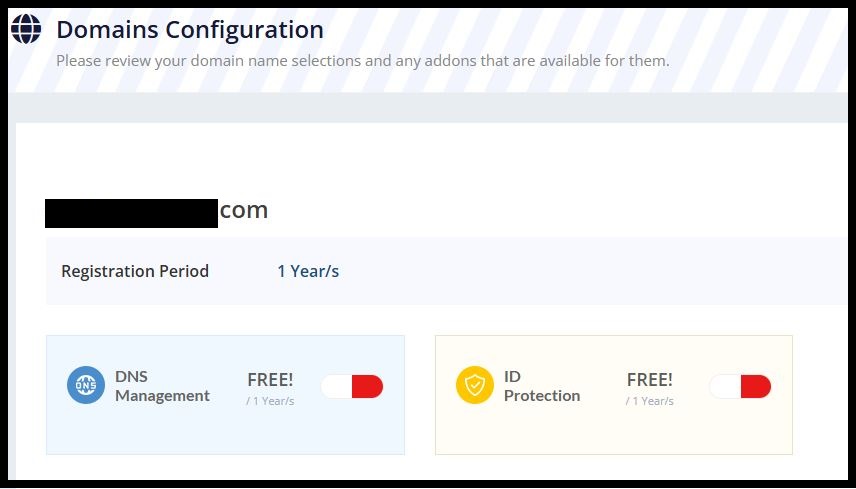
6.You may select domain extras; Free DNS Management or Domain Privacy protection (optional).
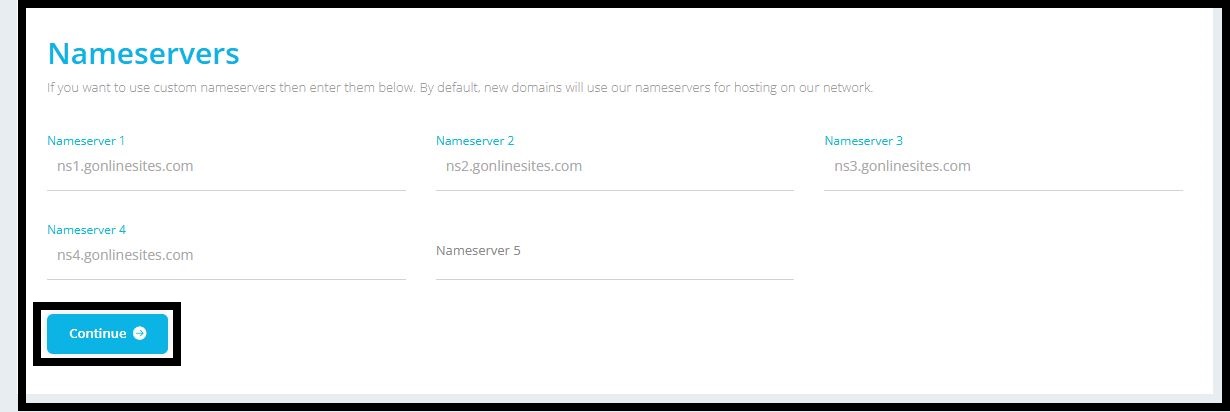
7.Set up your nameservers and click on Continue.
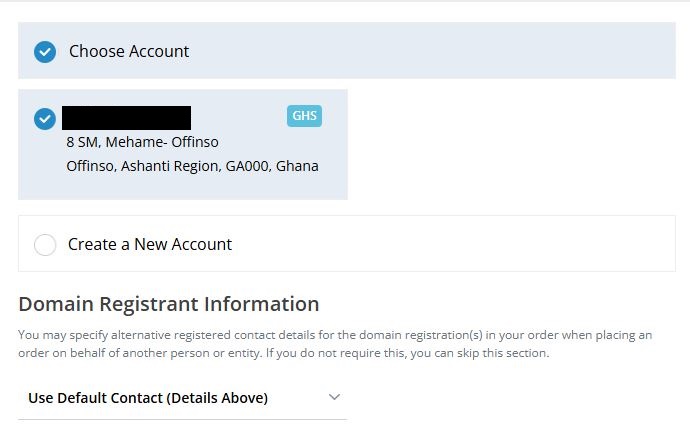
8.Select your account or create a new one (for new users).
9.Select your preferred payment method.
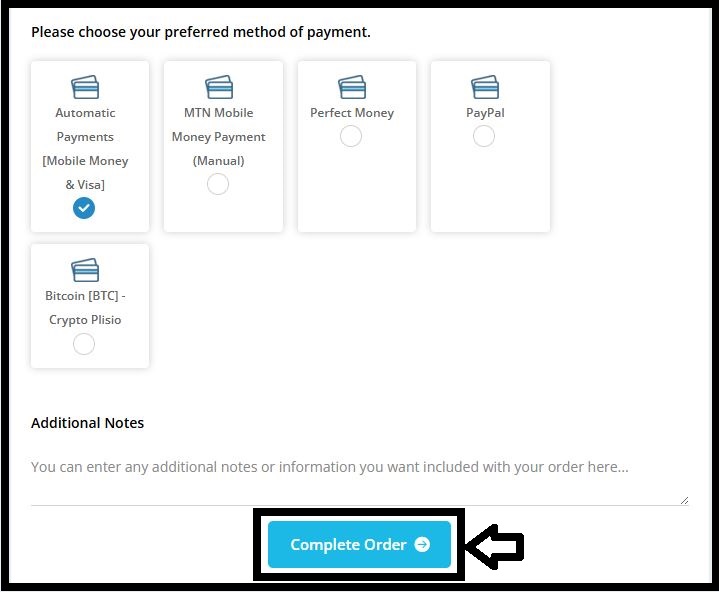
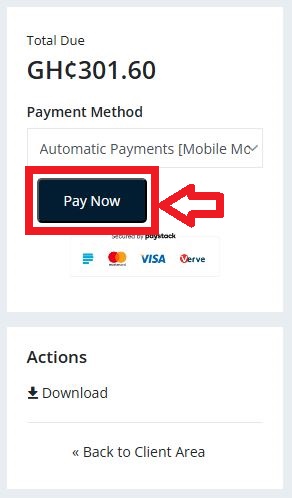
10.Click on Pay Now to complete the payment