

How to Sign Up or Login to G Online Sites Clientarea
Estimated reading time: 1 min
HOW TO SIGN UP OR LOGIN TO G ONLINE SITES CLIENTAREA (Web Hosting/Domain Management Portal)
G Online Sites provides Domain Name, Web Hosting, and Email services, which are accessible from the client area. Follow the guide below to create an account (for new users) or log in (for existing users) to place orders or manage your account.
STEPS TO FOLLOW
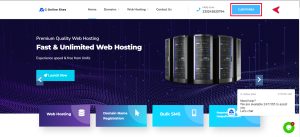
- Visit our homepage, G Online Sites, and click
- on the Client Area button on the right.
Alternatively, visit the
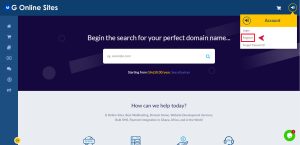
- Click on the Login Icon located at the top right of the page and choose Register to create a new
- Account.
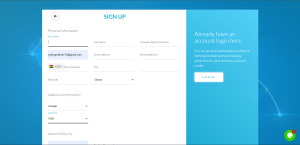
- Fill in the required information, which includes (Full Name, Email Address etc),
- Click on Register to submit your registration.
- Verify your email address by clicking on the confirmation link sent by G online site.

