

How To Add Addons (ID protection or DNS management) To An Already Purchased Domain
Estimated reading time: < 1 min
- .Log in to the CLIENTAREA
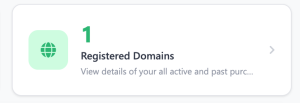
- While you are logged in, click on “Registered Domains”.
- On the registered domain click on “Manage Domain”.

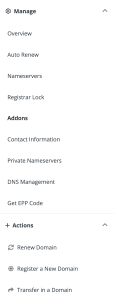
- Click on the “Addons” tab on the domain management page
- 5. On the “ID Protection” card click on buy now to purchase it
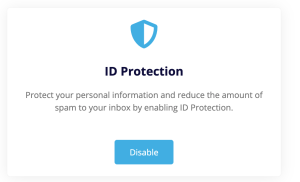
- To confirm purchasing click on “Buy Now”
- You’ll get an invoice confirming your purchasing
How To Purchase Host Record Management i. DNS Host Record Management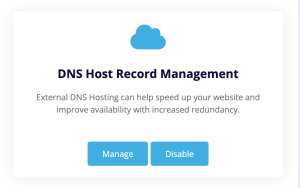
- Ii. To confirm purchasing click on “Buy Now”iii. You’ll get an invoice confirming your purchasing
- You’ll get an invoice confirming your purchasing
