How To Add More Years To An Already Purchased Domain
Estimated reading time: < 1 min
1. Log in to your Client Area
2. Click on the Registered Domains card
 3. Click on Renew domains from the top menu

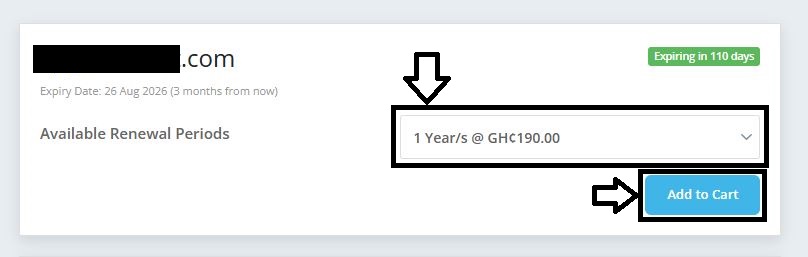
4. Select the number of years and click on Add to Cart
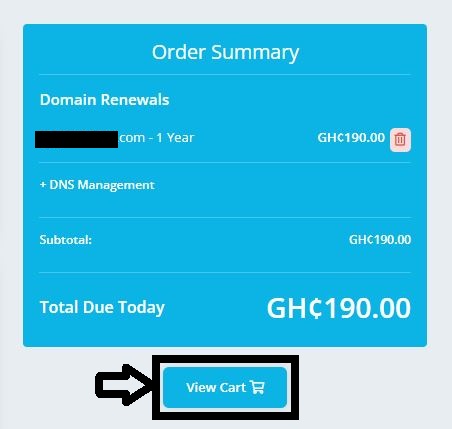
5. Click on View Cart
6. Choose your account or create a new one.

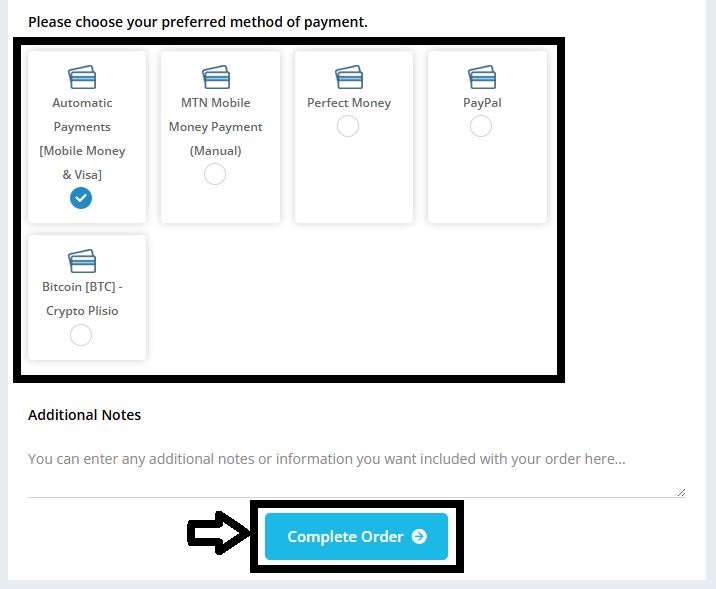
7. Choose payment method and click on Complete Order
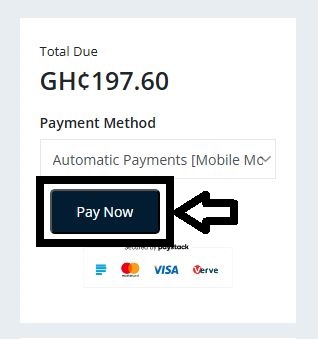
8. Click on Pay Now to proceed to payment