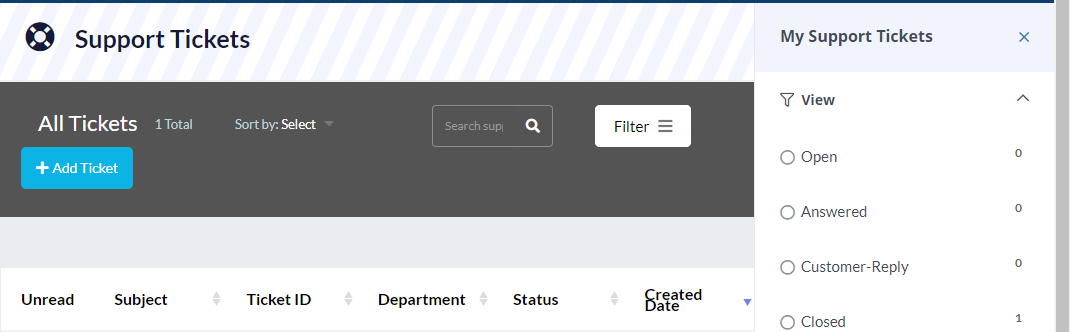
How to view tickets You are here: Web Hosting Tips GOnlineSites Client Area How to view tickets Estimated reading time: < 1 min1. Go to Client Area2. Go to Active Tickets3. You can now view active tickets under your account Was this article helpful? Like 3 Dislike 0 Previous: How To Add More Years To An Already Purchased DomainNext: How To Transfer a Domain To G Online Sites AuthorFatimatu Abubakar-SadickHow To Transfer a Domain To G Online SitesDecember 9, 2024How to block/filter spam messages in cPanel (Webmail [Horder/Roundcube])December 13, 2024