How To Change Your Account Password In ClientArea
Estimated reading time: < 1 min
1. Log in to the CLIENTAREA
2. While you are logged in, click on User icon on the top menu

3. Click on Change Password
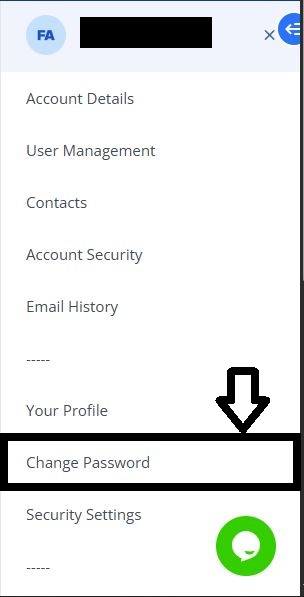
4. Set a very strong password
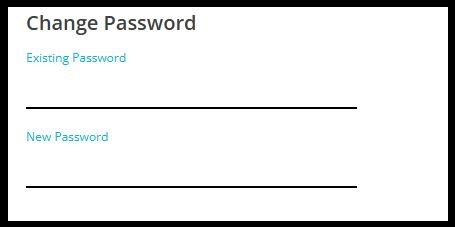
5. You can also click on Generate Password to automatically create a strong random password

6. Confirm your new password by typing it again in the Confirm Password field
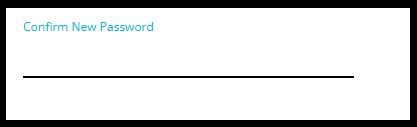
7. Finally, click on “Save Changes” to update your password.