

How To Disable Two-Factor Authentication In Client Area
Estimated reading time: < 1 min
1. Log in to the CLIENTAREA
2. Once logged in click on the User icon on the top menu

3. Next, select Security Settings
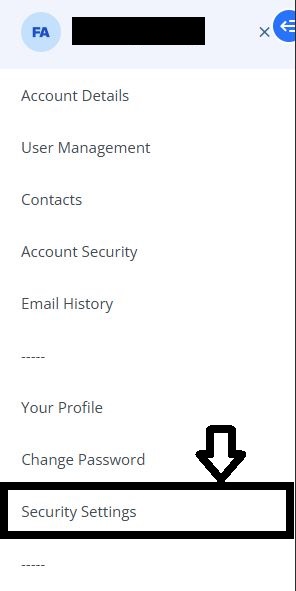
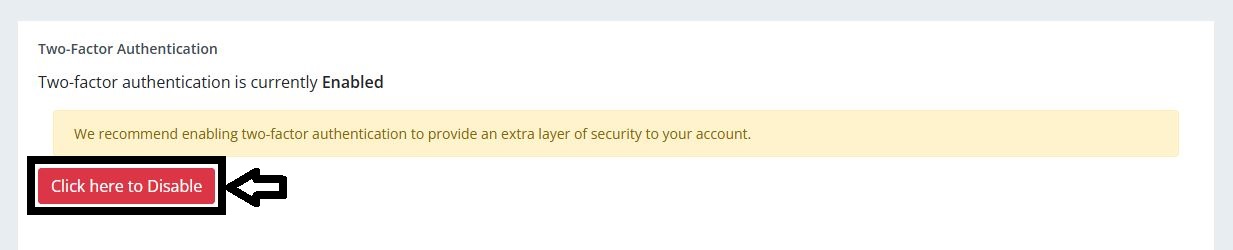
4. To disable “Two-Factor Authentication”, click on the red button
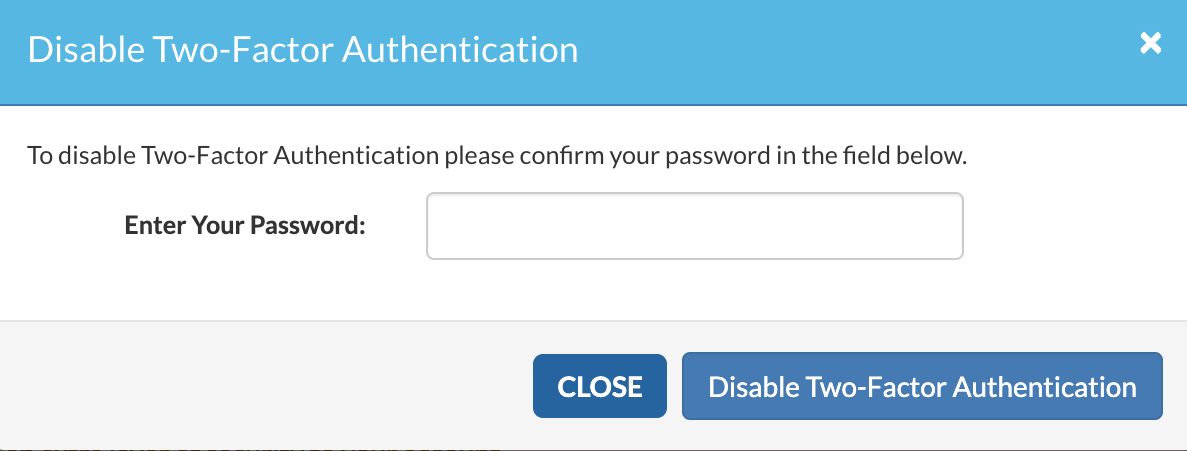
5. From the Disable Two-Factor Authentication modal, enter your password (same password you use to log into the Client Area) and click the “Disable Two-Factor Authentication” button to complete the process
You may contact support if you need assistance [account verification will be required]
