How to Place an Order for Web Hosting Only
You may want to place an order for web hosting only, especially when you already have a domain name registered or intend to register the domain name later or for similar reason.
Below is a guide on how to register web hosting only from G Online Sites
1.Visit G Online Sites on any web browser and click the web hosting card or under the web hosting menu. (Or visit ClientArea directly).

2.Click on Order from the left menu

2. Select your hosting option from the product group.

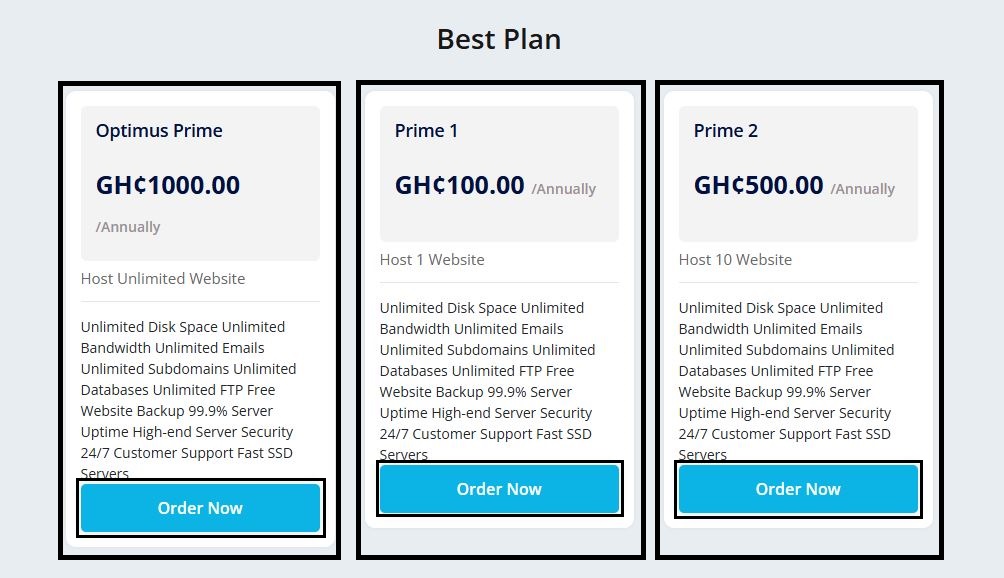
3.Choose your preferred hosting plan and click on Order Now.
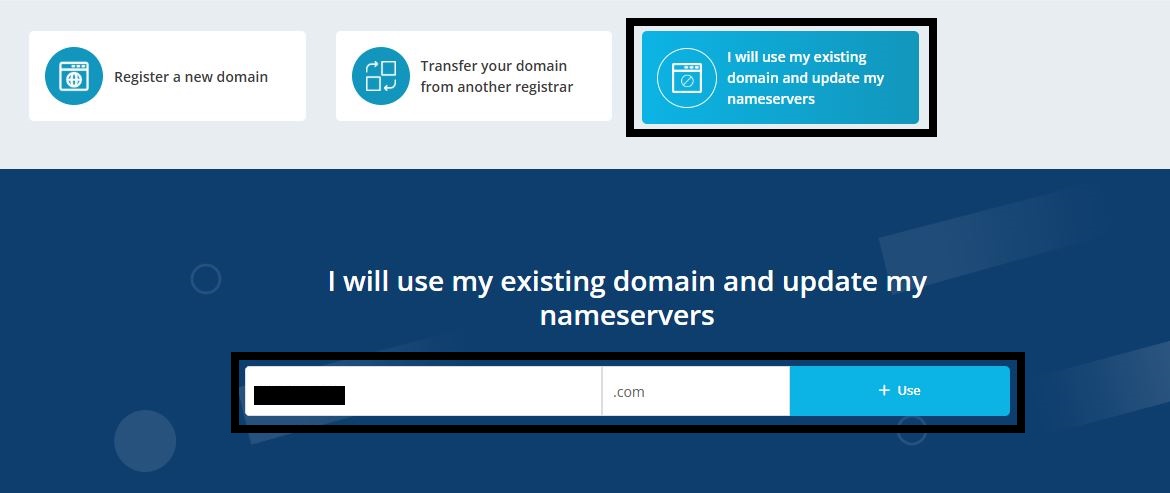
4.Select the 3rd option under the domain registration section (I will use my existing domain and update my nameservers) to assign your existing domain to the hosting package of choice. Enter the domain and TLD in the com placeholder text. Click the plus (+) button to assign.
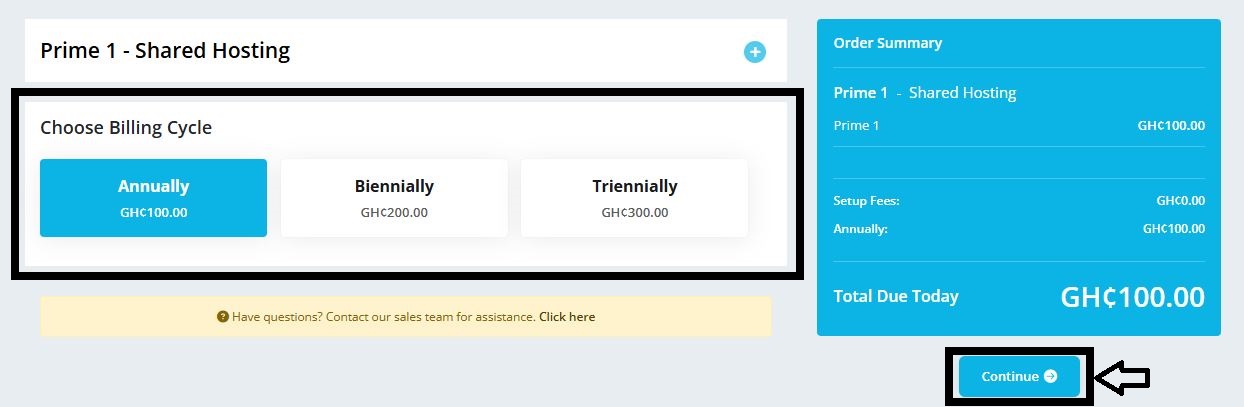
5. Choose your preferred billing cycle and click on Continue.
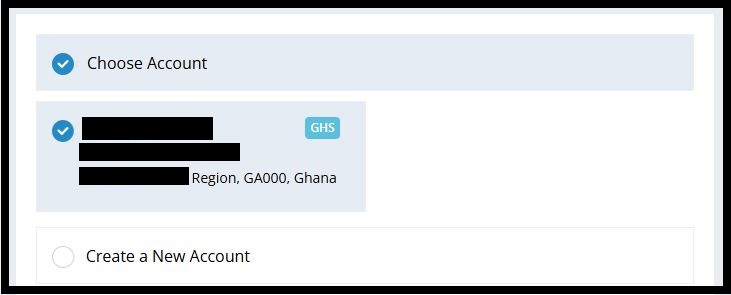
6.Select your existing account or create a new one (for new users).
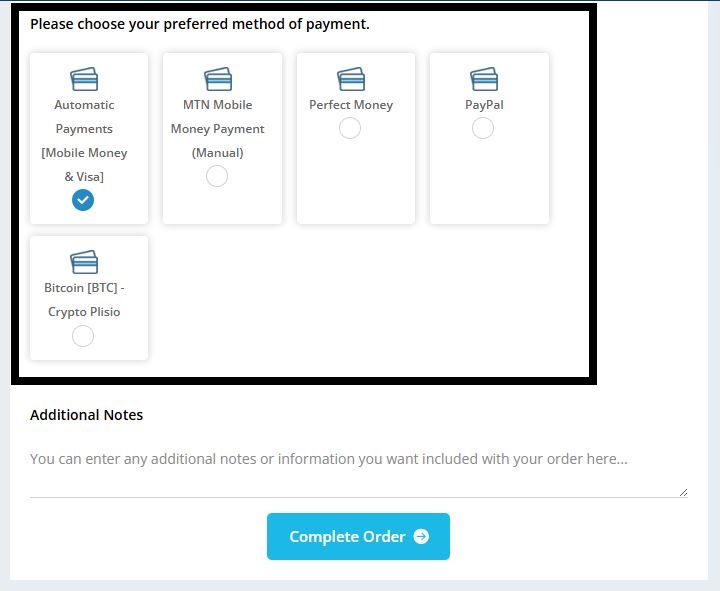
7.Choose your preferred payment method and click on Complete Order.
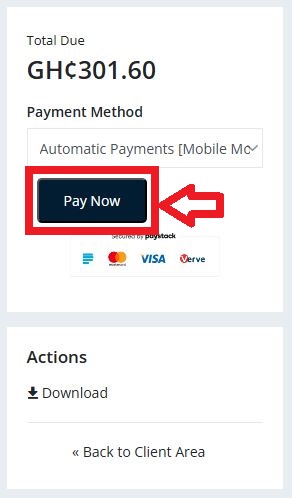
8.Click on Pay Now to complete payment