

How to Sign Up or Login to G Online Sites Clientarea
Estimated reading time: < 1 min
G Online Sites provides Domain Name, Web Hosting, and Email services, which are accessible from the client area. Follow the guide below to create an account (for new users) or log in (for existing users) to place orders or manage your account.
1. Visit G Online Sites
2. Click on Client Area
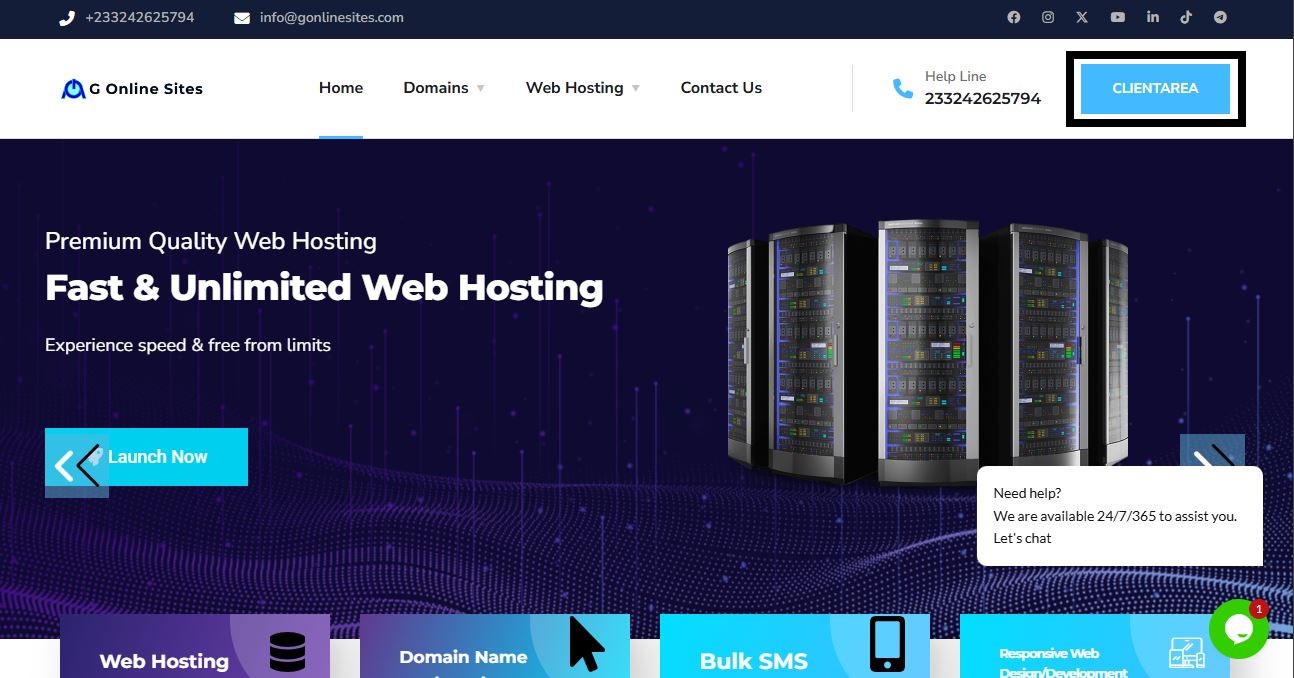
3. Click on the Login Icon located at the top right of the page

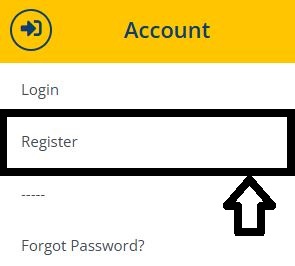
4.Choose Register to create a new account.
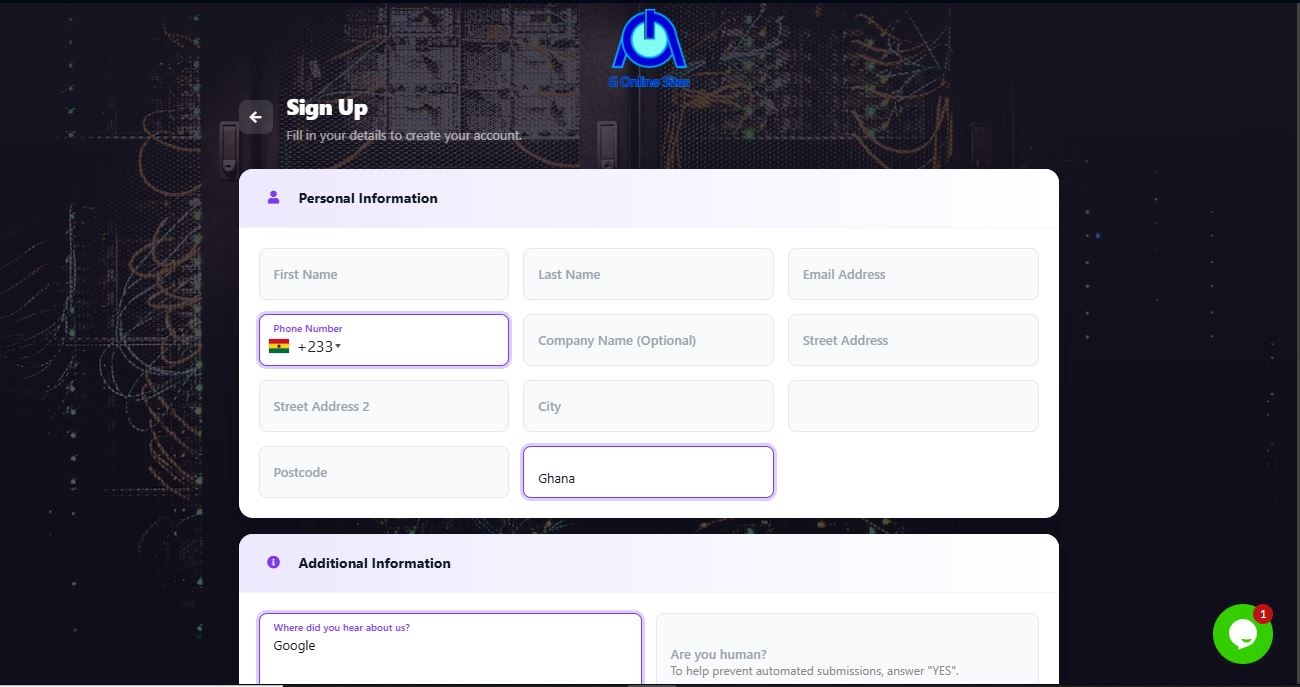
5. Fill in the required information, which includes (Full Name, Email Address etc),
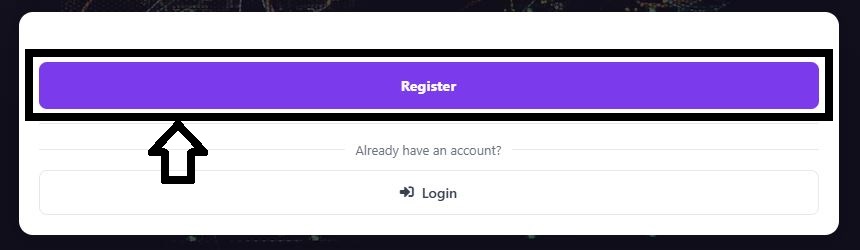
6. Click on Register to submit your registration.
7.Verify your email address by clicking on the confirmation link sent by G online site.
