

How to update your profile information in clientarea
Estimated reading time: < 1 min
1. Go to Client Area
2. Click on the User on the top menu

3. Click on your account details
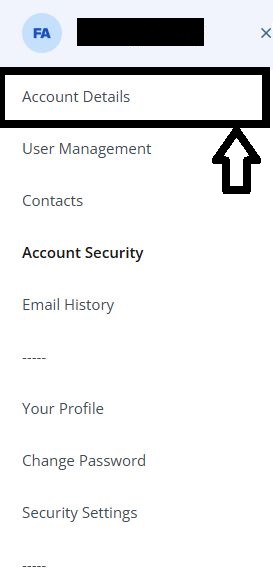
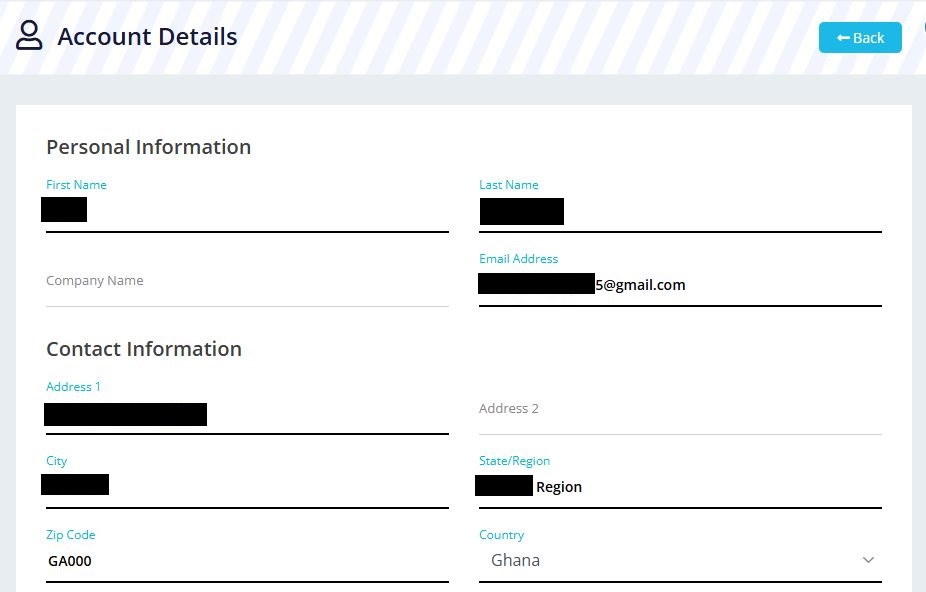
4. Make the necessary changes to your existing profile
5. Click on Save Changes
You are done updating your profile!
