How to view invoice in Client Area
Estimated reading time: < 1 min
1. Visit G Online Sites Homepage
2. Go to Client Area
3. Go to the due invoices card

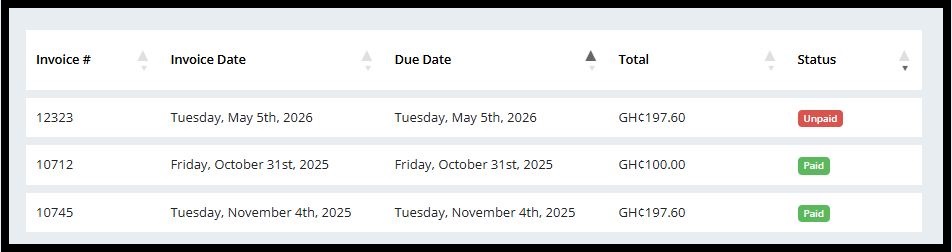
4. Now, you can view your invoice in the client Area


1. Visit G Online Sites Homepage
2. Go to Client Area
3. Go to the due invoices card
4. Now, you can view your invoice in the client Area