How to renew Domain name
Estimated reading time: < 1 min
1. Log in to G Online Sites Client Area
2. Click on Domains on the left menu

3. Click on Domains from the drop down menu

5. Click on Renew Domains from the top menu

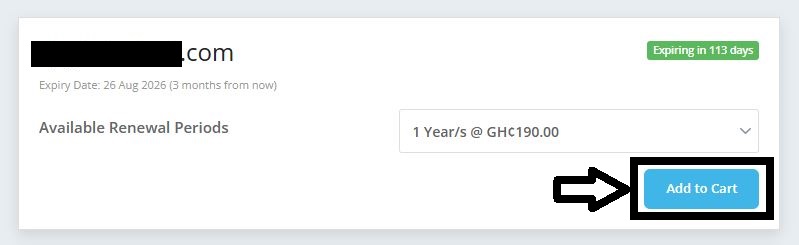
6. Under the DOMAIN RENEWAL tab, (select the number of years to renew from the dropdown) click on Add to Cart
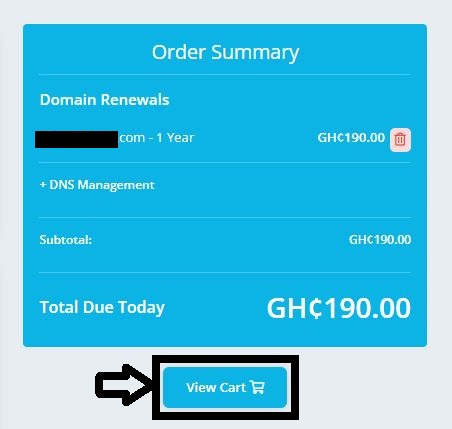
7. Click on View Cart
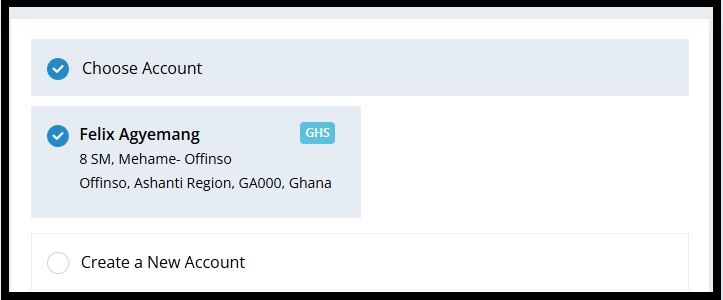
8. Choose your account or create a new one
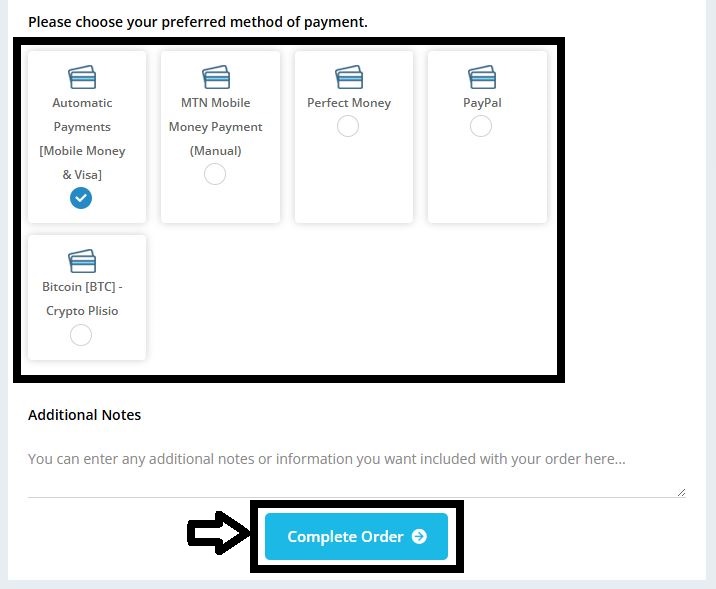
9. Choose your payment method and click on Complete Order
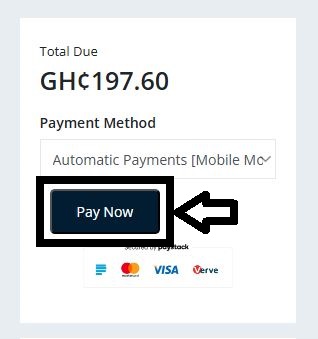
10. Click on Pay Now to proceed to payment